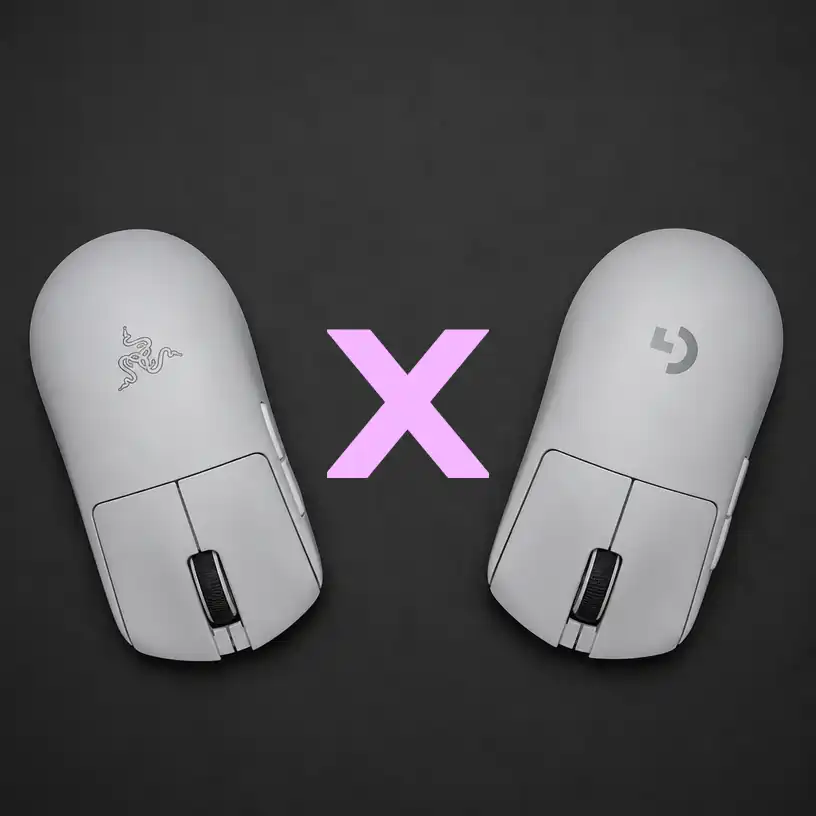
Which is the Best Wireless FPS Mouse in 2026?
If you are serious about competitive FPS gaming in 2026, your mouse is your most critical piece of gear. Two names dominate the pro-player scene: the Razer DeathAdder V3 Pro and the Logitech G Pro X Superlight 2.
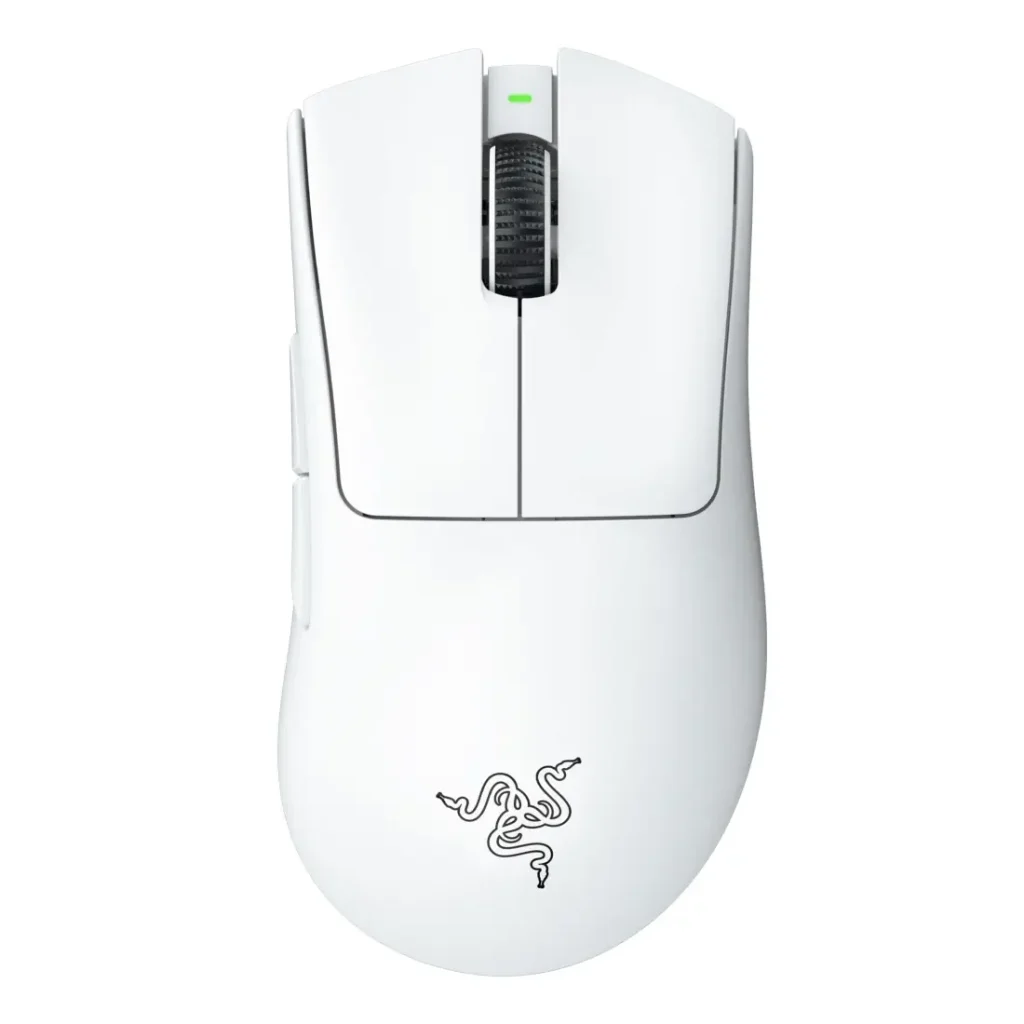
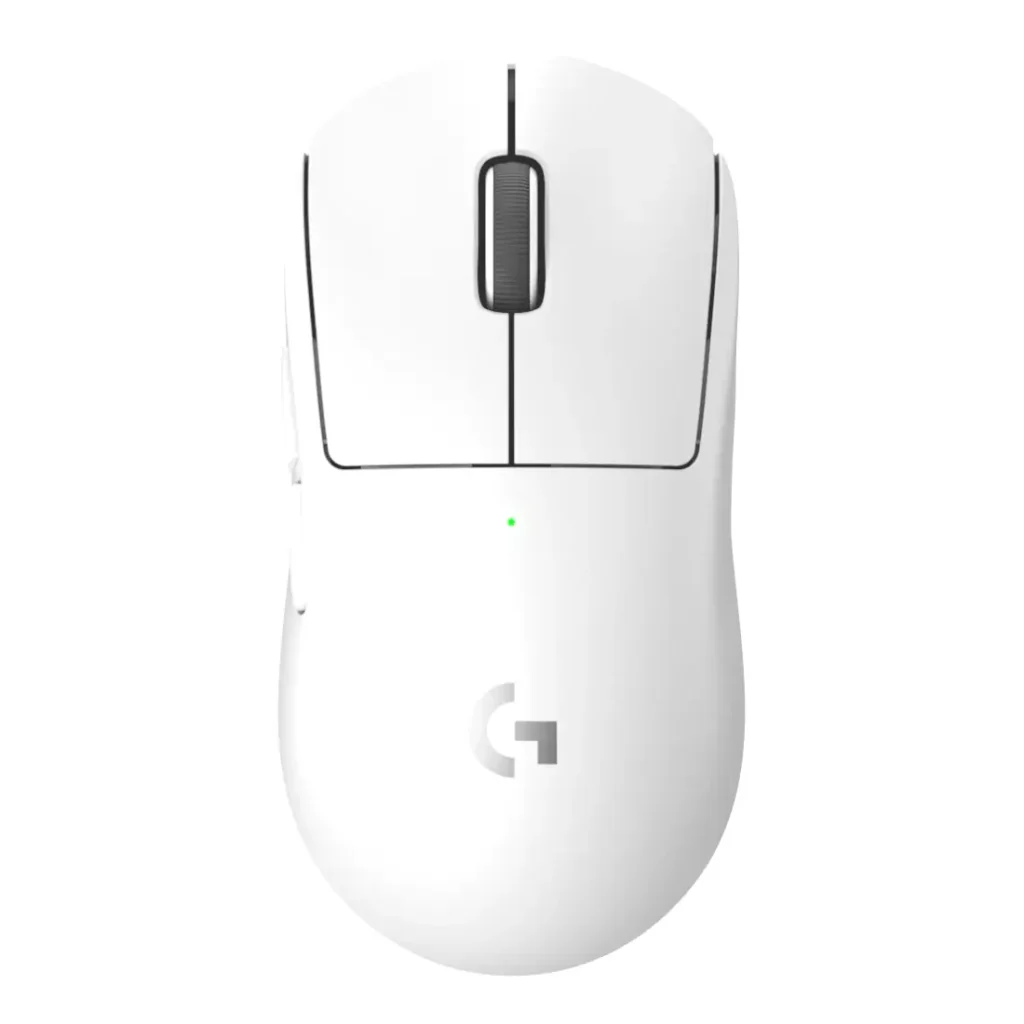
Both are ultra-lightweight, wireless, and packed with top-tier sensors. But which one deserves a spot on your desk? It’s a very close call!
In this head-to-head comparison, we break down the physical design, sensor performance, proprietary features, and software adjustments to help you make the right choice.
Do you choose your gaming gear emotionally or rationally? Do you already have a favourite? We hope not! Let’s dive into the data!
May the best mouse win!
1. Let’s see the quick specs comparison:
| Feature | Razer DeathAdder V3 Pro | Logitech G Pro X Superlight 2 |
| Weight | 63 grams | 60 grams |
| Sensor | Razer Focus Pro 30K Optical | Logitech HERO 2 |
| Max DPI | 30,000 | 32,000 |
| Max Polling Rate | 4000Hz / 8000Hz, requires separate HyperPolling dongle | 2000Hz (native) |
| Switches | Razer Optical Gen-3 (90M clicks) | LIGHTFORCE Hybrid Optical-Mechanical (70M clicks) |
| Connectivity | HyperSpeed Wireless 2.4GHz, Bluetooth, USB-C | LIGHTSPEED Wireless 2.4GHz, USB-C |
| Battery Life | Up to 90 hours (2.4GHz) | Up to 95 hours |
| MSRP | ~$140 USD | ~$150 USD |
Here’s a quick Verdict if you can’t hold your horses!
- Choose the Razer DeathAdder V3 Pro if you prefer a refined, right-handed ergonomic shape, want Bluetooth connectivity as a backup, and prioritize a slightly more textured grip.
- Choose the Logitech G Pro X Superlight 2 if you want a universally “safe” ambidextrous shape, native 2000Hz polling rate out of the box, and hybrid optical-mechanical switches for a crisp, traditional click feel.

- 63G ULTRA-LIGHTWEIGHT DESIGN — Enjoy a level of speed and control favored by the world’s top players with one of the lig…
- ERGONOMIC FORM — Developed in partnership with top esports pros, the iconic shape of the Razer DeathAdder has been furth…
- HYPERPOLLING WIRELESS TECHNOLOGY — By combining Razer HyperPolling with the ultra-low-latency connection of Razer HyperS…

- Better Performance: The Logitech Superlight 2, our championship winning wireless mouse gaming is now even better; with 8…
- Wireless Mouse for Gaming: A pro gaming icon—now faster and more precise; it is designed in collaboration with the world…
- Most Advanced Optical Sensor in Gaming: HERO 2 with tracking over 888+ IPS, up to 44,000 DPI, precise sensor calibration…
Not sure yet? We know that feeling! It’s a tough choice that can affect your competitiveness; let’s break it down in more detail!
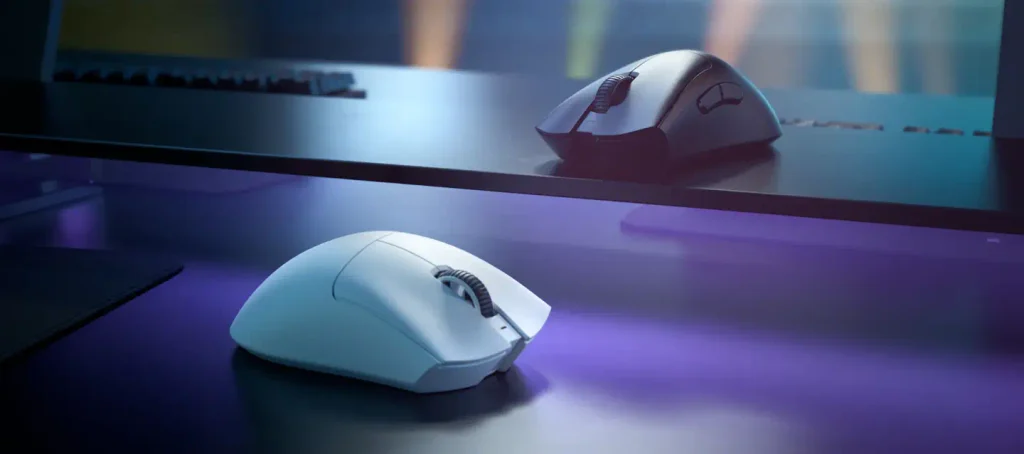
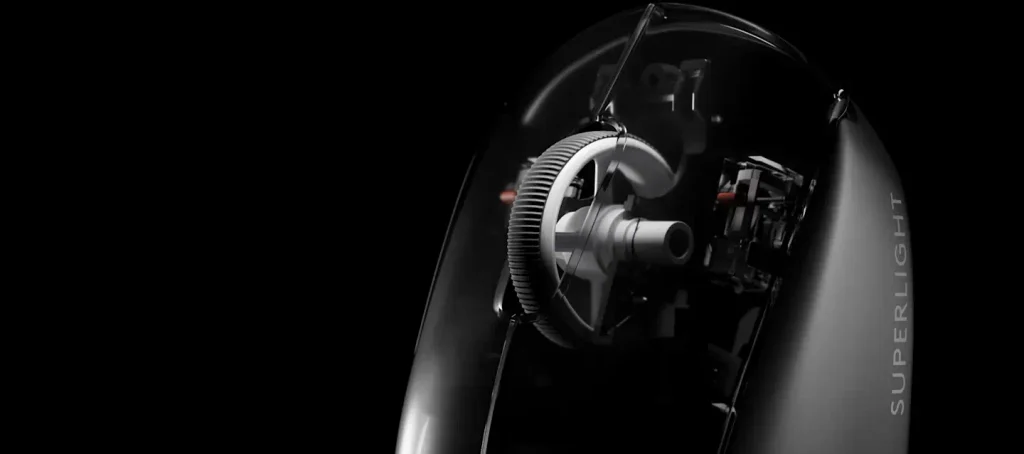
2. Physical Design & Ergonomics
The shape of a mouse is subjective, but it is the number one factor in long-term comfort and aim consistency.
No one can say that they are very different from each other. They can confuse most novice users, and even some experienced ones.
Let’s compare the dimensions and ergonomic characteristics.
| Feature | Razer DeathAdder V3 Pro | Logitech G Pro X Superlight 2 |
| Dimensions (L x W x H) (inches) | 5.04 x 2.69 x 1.74 inches | 4.92 x 2.50 x 1.57 inches |
| Dimensions (L x W x H) (mm) | 128.1 x 68.3 x 44.1 mm | 125 x 63.5 x 40 mm |
| Weight Distribution | Slightly rear-weighted for stable aiming | Perfectly balanced, ultra-light feel |
| Grip Texture | Matte finish with subtle textured side grips | Smooth matte finish, grip tape often recommended |
| Mouse Feet | 100% PTFE, smooth glide) | 100% PTFE, upgraded, wider feet for stability |
| Best For Grip Style | Palm and Claw grip | Claw and Fingertip grip, also works for Palm |
How can we translate all this data for the player?
The DeathAdder lineage is legendary for a reason. The V3 Pro refined the classic hump, making it slightly flatter and more accommodating for claw grip while still supporting palm grip beautifully. The Logitech GPX 2, on the other hand, is the definition of a “safe” shape. It is slightly smaller and lower, making it incredibly versatile for claw and fingertip grippers, though large-handed palm grippers might find it a bit small.
The Logitech contender can also be the best choice for the gamer girls around, since they usually have smaller hands compared with the boys.
3. Sensor Performance & Switches
Nowadays, sensor technology is practically flawless, but the implementation and switch feel still differ. Anyway, we love to know all the little secrets inside our gaming gear, don’t you?
So, let’s help ourselves!
| Performance Metric | Razer DeathAdder V3 Pro | Logitech G Pro X Superlight 2 |
| Sensor Name | Focus Pro 30K | HERO 2 |
| IPS (Inches Per Second) | 750 IPS | 400+ IPS |
| Acceleration | 70G | 40G |
| Switch Type | Optical Gen-3 (Light beam actuation) | LIGHTFORCE Hybrid (Optical + Mechanical) |
| Click Feel | Smooth, slightly muted, zero debounce delay | Crisp, tactile, traditional mechanical snap |
| Double-Click Risk | Virtually zero (Optical) | Extremely low (Hybrid design mitigates this) |
Who hasn’t bragged about some technical aspect of their equipment, even if it makes absolutely no difference to its performance? Let’s get back…
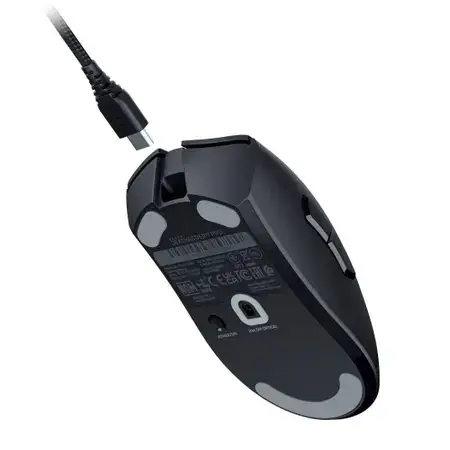
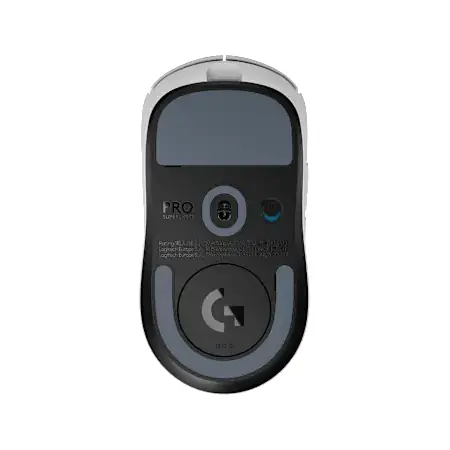
What really matters?
Both sensors are overkill for 99.9% of gamers, which is a good thing: it means perfect tracking with zero spin-outs. The real difference is in the switches. Razer’s Gen-3 Optical switches are incredibly fast and immune to the dreaded “double-clicking” issue, but some users find the feel a bit hollow. Logitech’s LIGHTFORCE switches successfully blend the speed of optical with the satisfying, tactile bump of a mechanical switch, which many FPS players prefer for precise tapping.
4. Proprietary Features & Software Adjustments
How much control do you have over your mouse? This is where Razer and Logitech take different approaches.
Neither Razer nor Logitech offer drivers or configuration and customization software for Linux, which is not in line with the evolution of the gaming market. If you use the penguin operating system, you will need to resort to resources developed by the community.
| Feature / Adjustment | Razer DeathAdder V3 Pro | Logitech G Pro X Superlight 2 |
| Native Polling Rate | 1000Hz | 2000Hz |
| High Polling Upgrade | 4000Hz / 8000Hz – Requires $30 HyperPolling Wireless Dongle | N/A – Capped at 2000Hz, which is highly stable |
| Onboard DPI Stages | Up to 5 customizable stages | Up to 5 customizable stages |
| Lift-Off Distance (LOD) | Adjustable: 1mm or 2mm via Software | Adjustable: 1mm or 2mm via Software |
| Surface Calibration | Yes, via Razer Synapse | Yes, via G HUB |
| Bluetooth Support | Yes, great for battery saving on laptops | No, wireless 2.4GHz only |
| Linux Support | No, community-driven solutions only | No, community-driven solutions only |
What do those proprietary features tell us?
Logitech wins on out-of-the-box performance. The GPX 2 gives you a native 2000Hz polling rate, which offers a noticeable smoothness improvement over 1000Hz without the battery drain or CPU overhead of 4000Hz/8000Hz.
Razer, however, offers more versatility. The inclusion of Bluetooth connectivity is a massive plus for productivity or traveling, and the option to upgrade to 8000Hz if you buy the extra dongle, future-proofs the mouse for hardcore enthusiasts. Razer Synapse also offers slightly more granular surface calibration than G HUB.
If you are a Linux user, research online communities which mouse has better performance.
5. Battery Life & Build Quality
Let’s finish this? Below we have more data organized to help you have a better experience! Here we go!
| Metric | Razer DeathAdder V3 Pro | Logitech G Pro X Superlight 2 |
| Advertised Battery Life | 90 Hours on 2.4GHz / 210 Hours on Bluetooth | 95 Hours (2.4GHz) |
| Charging Port | USB-C – SpeedFlex cable included | USB-C, improved, more flexible cable included |
| Build Creak/Flex | Minimal, very solid shell | Minimal, slight top cover flex: normal for ultra-light |
| Side Buttons | Textured, slightly larger, tactile | Smooth, slightly smaller, flush with the shell |
Who did the best job on energy and toughness?
Both mice will easily last you over a week of heavy gaming on a single charge. Logitech’s updated USB-C cable is noticeably more flexible than the original Superlight’s, feeling almost like a paracord. Razer’s side buttons are objectively better here — they are larger and more textured, reducing misclicks during intense FPS moments.
6. Pros & Cons at a Glance
Razer DeathAdder V3 Pro
| PROS |
| Legendary, refined ergonomic shape |
| Bluetooth connectivity adds great versatility |
| Flawless optical switches, no double-clicking |
| Larger, textured side buttons |
| CONS |
| 4000Hz/8000Hz polling requires a separate, expensive dongle |
| Ergonomic shape is strictly for right-handed users |
| Slightly heavier, at 63g (5%) |
Logitech G Pro X Superlight 2
| PROS |
| Universally praised “safe” ambidextrous shape |
| Native 2000Hz polling rate out of the box |
| Satisfying hybrid optical-mechanical click feel |
| Slightly lighter, at only 60g |
| CONS |
| No Bluetooth connectivity |
| Smooth side grips may require aftermarket grip tape for sweaty hands |
| Slightly higher MSRP |
Final Verdict: Which Should You Buy in 2026?
There is no “bad” choice here. Both mice represent the absolute pinnacle of wireless FPS gaming technology. Your decision should come down to shape preference and click feel.
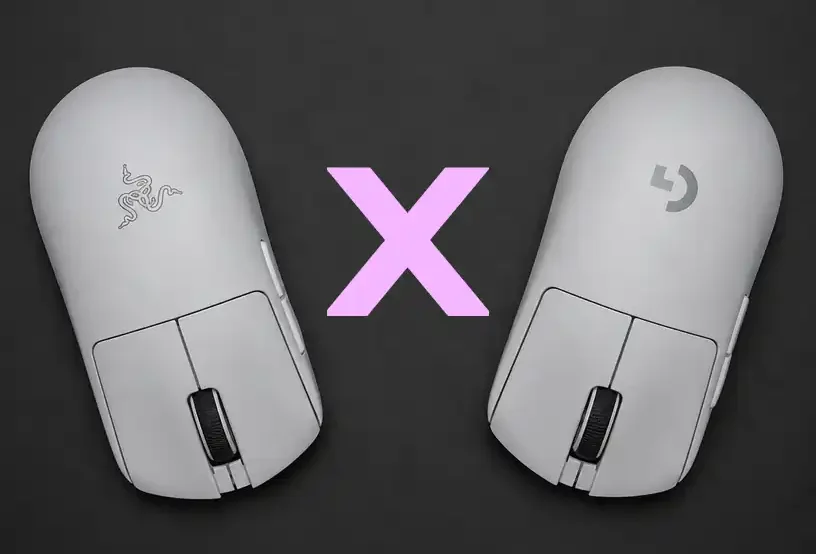
Buy the Razer DeathAdder V3 Pro if you are a right-handed player who rests your palm on the mouse, values Bluetooth connectivity for work/travel, and wants a mouse with zero risk of switch double-clicking.
Buy the Logitech G Pro X Superlight 2 if you use a claw or fingertip grip, want the absolute lightest and most versatile shape possible, and prefer a crisp, tactile click with native 2000Hz performance right out of the box.
Ready to upgrade your aim? Click the links to check today’s best prices and availability on our affiliate links at Amazon.com.


Made it this far? You’re our kind of people. If you stuck around until the end, you probably enjoyed the review, and that means the world to us. So here’s a tiny favor: come hang out with us on Instagram:
That’s our home base, the main place where we talk with you, drop updates, and hear what you think. Follow us, smash that like button, and leave a comment. Tell us what we got right, what we got wrong, and what gear, LEGO set, or pop culture obsession we should review next. Every follow and every comment helps more than you’d think; and yes, we read them all!.
Thank you, seriously. We’re a brand-new project run by a small team, fueled by curiosity, chocolate, and an unreasonable number of plastic bricks. Having you here, spending time with our content and showing us so much support, is what keeps us going. We’re hopeful that this community keeps growing, because the bigger it gets, the better content we can bring you: more reviews, more depth, more fun. Here’s to leveling up together. See you in the next one!
Leave a Reply